


Not Everyone Needs An 18-Inch BlackBook.
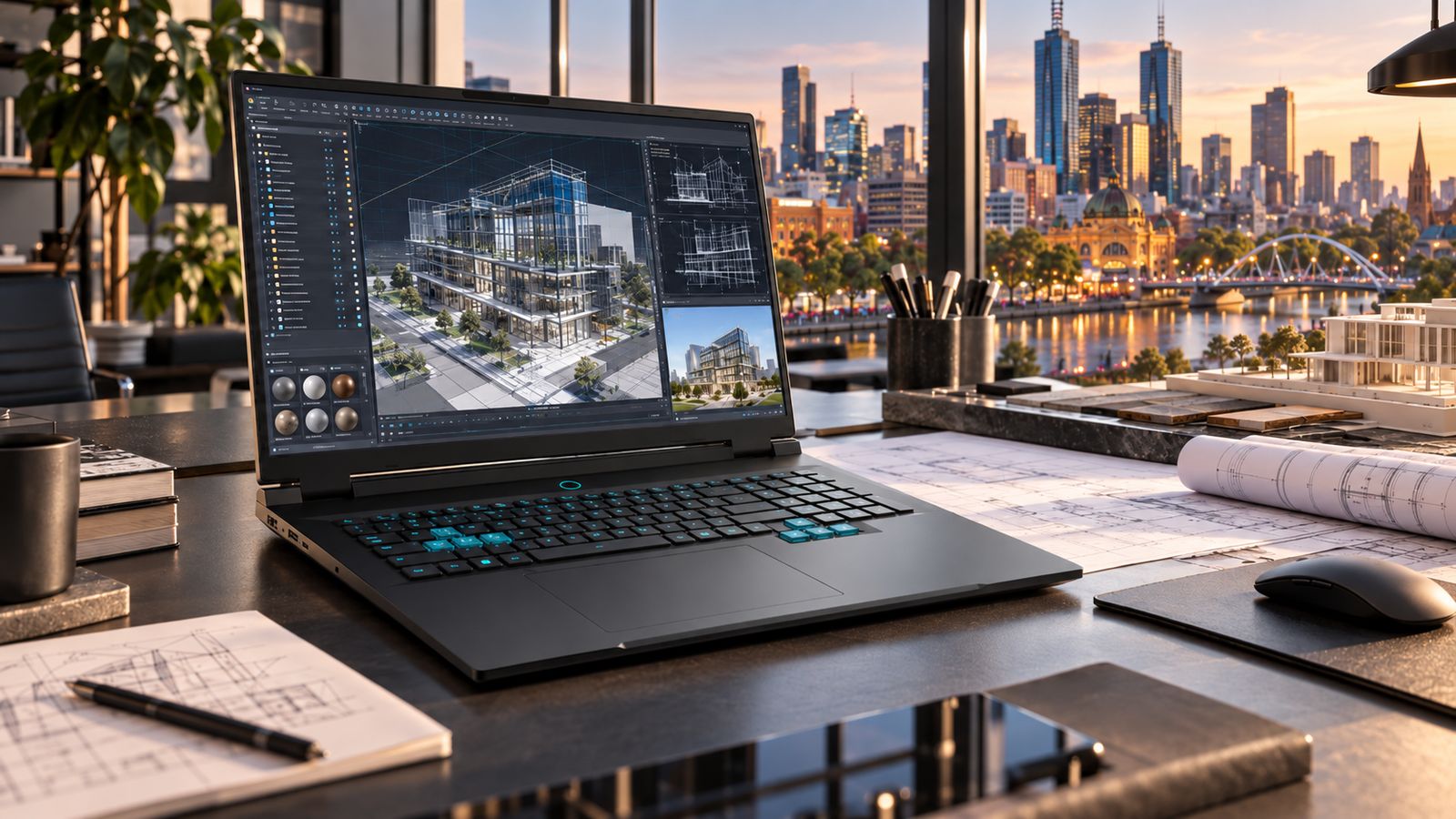
An 18-inch laptop is a bad idea if what you really need is a small laptop.
If you work on the move all day, carry your computer everywhere, or value minimum size and weight above everything else, there are better BlackBooks for you.
But some professionals have a different problem.
They need a large working area. They run demanding applications for hours rather than minutes. They need dedicated graphics, serious processing capability and enough room on screen to see the work properly.
And they still need to move it.
That is why the BlackBook Pro 18 exists.
It isn’t a bigger laptop for the sake of being bigger. It is a transportable workstation.
What Has To Happen On Your Screen?
Screen size sounds like a simple specification until you spend eight hours working inside one.
A larger display gives software room to breathe.
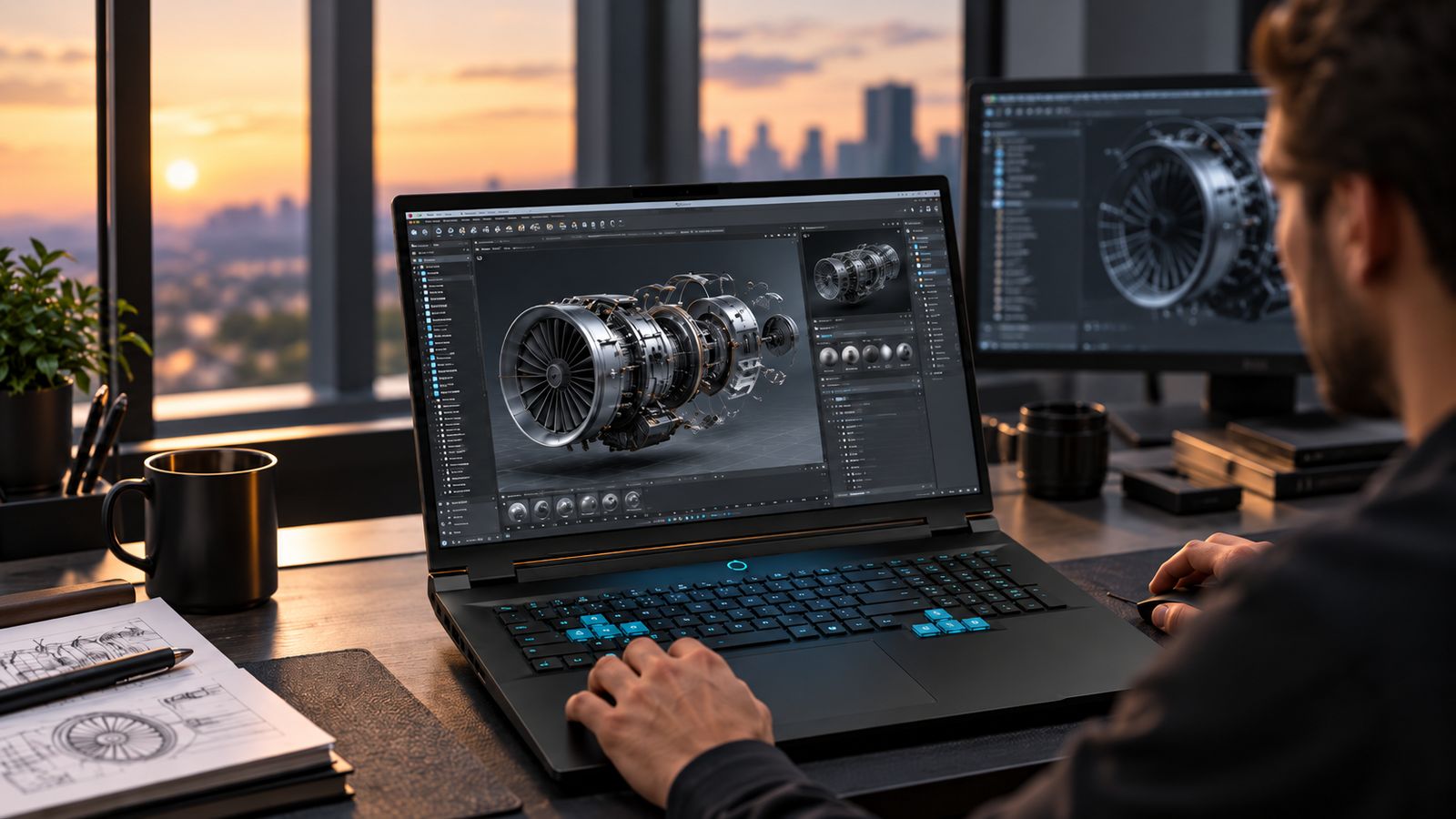
In CAD and engineering applications, the model can remain visible while toolbars, properties and project trees stay open. In video production, the preview, timeline and controls can coexist. Developers can keep code, terminals, documentation and output visible together. Large spreadsheets and analytical tools become easier to work through without continually hiding and rearranging windows.
That is the real reason for an 18-inch display.
It is not about making everything larger. It is not about more pixels either: the Pro 18 and the S-Pro 15 both use a 2560 × 1600, 16:10 panel.
It is about giving the same workspace a physically bigger surface.
Dense drawings, small interface text, timelines and tool palettes are simply easier to read and work inside for hours when the panel is 18 inches rather than 15.
A smaller BlackBook can connect to external displays at a desk. The Pro 18 is for the person who wants significantly more working area even when those displays are somewhere else.
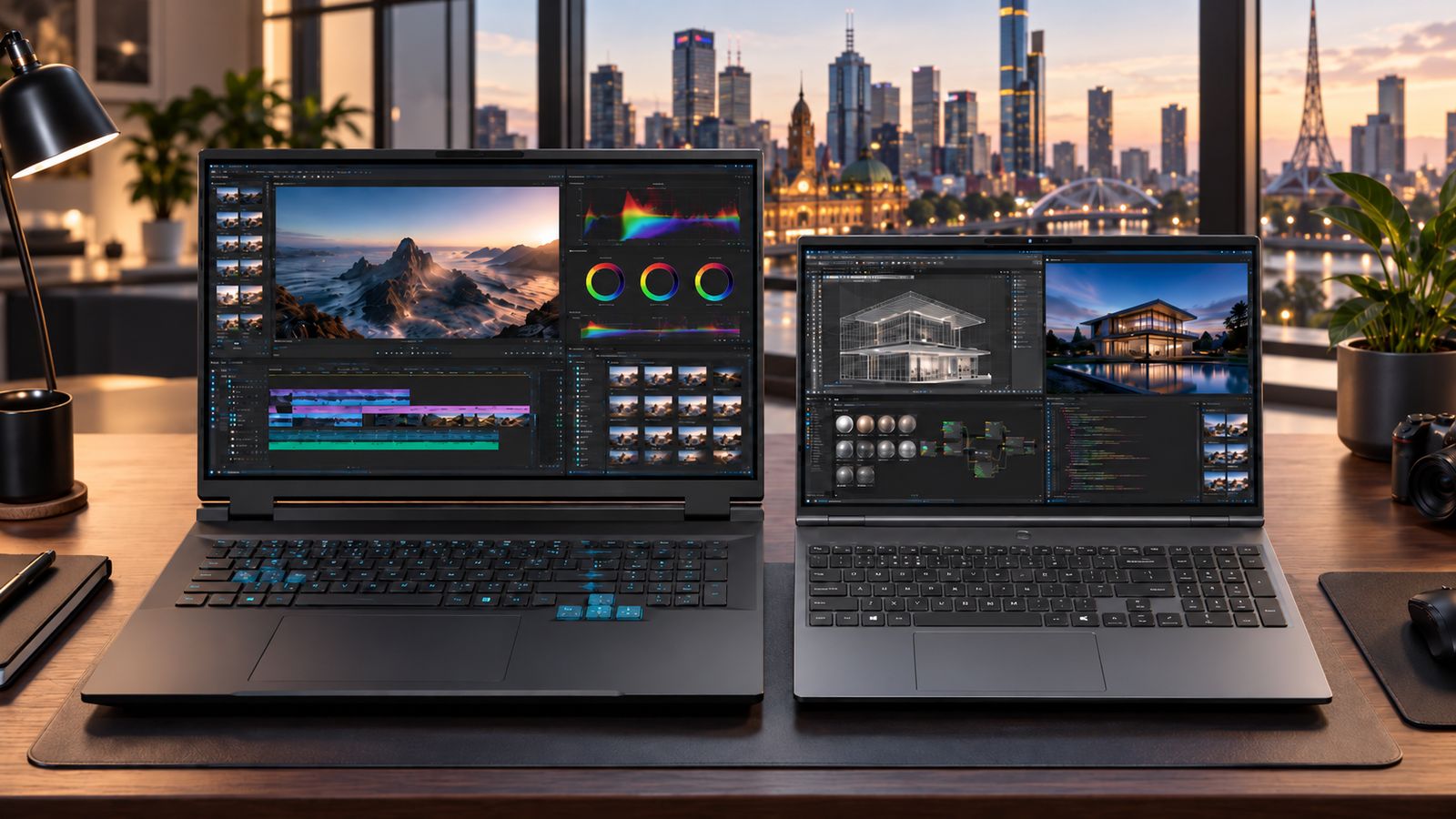
BlackBook Pro 18 (left) beside the BlackBook S-Pro 15 (right).
A Workstation Doesn’t Have To Stay On One Desk.
There is a difference between portability and mobility.
Portability
is about making a computer as easy as possible to carry.
Mobility
is about being able to take your working environment somewhere else.
For an engineer moving between the office and a project site, a designer working between studio and home, or a specialist travelling between locations, taking the workstation with them can matter more than shaving a few hundred grams from the bag.
The Pro 18 is not designed to disappear under your arm. It is designed to arrive somewhere, open up, and become your workstation.
Connect your displays and peripherals when they are available. Work directly from the machine when they are not.
At approximately 2.65kg, the Pro 18 is not our answer to carrying the lightest laptop all day. It is our answer to moving a more substantial computer between the places where the work happens.
The workspace moves with you.
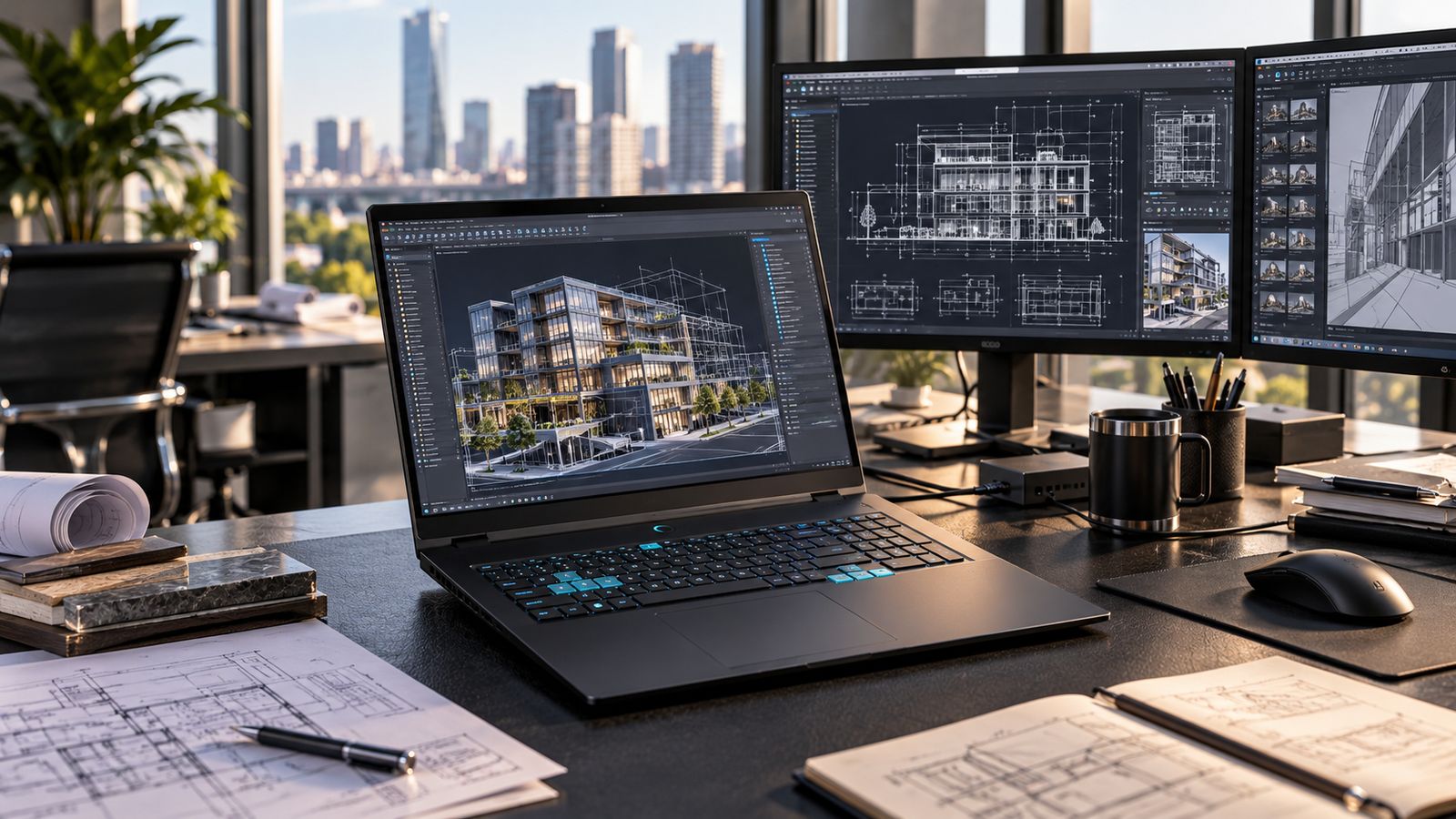
What The Larger Chassis Makes Possible.
The 18-inch format gives us something smaller machines cannot: more physical room to engineer around sustained performance.
A high-performance processor or graphics processor can produce impressive benchmark numbers in almost any suitable chassis for a short period.
Professional workloads are different.
Rendering, compiling, simulation, modelling, editing and other sustained workloads can keep the system under load for much longer. The cooling system has to continue removing that heat if performance is going to remain useful.
The Pro 18 uses the larger chassis to accommodate a substantial cooling architecture, dedicated graphics and the supporting hardware required around them.
In practice that means an Intel Core i9-14900HX processor (24 cores, 32 threads) alongside an NVIDIA GeForce RTX 5070 Laptop GPU, cooled by two large thermal fans, a dedicated system fan and a broad heat-pipe arrangement. The published design is rated for 200W-class thermal loads.
That does not mean every job draws 200W, or that cooling alone makes every application faster. It means the platform was engineered around the heat and power of components chosen for heavier work.
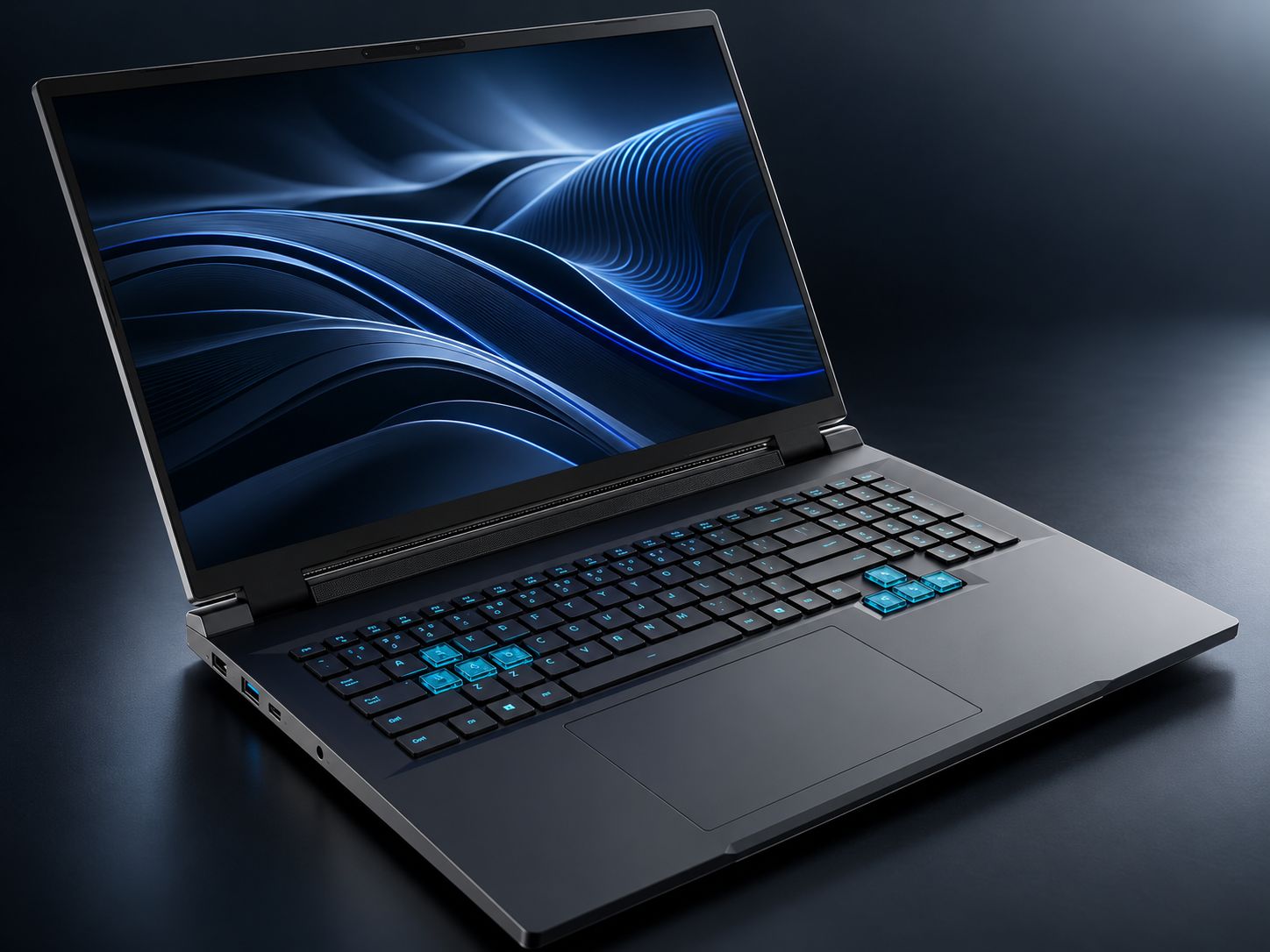
It also creates room for the things professionals still ask us for: accessible storage and memory, a full keyboard with numeric keypad, useful connectivity and a layout designed around extended working sessions.
The extra space is not wasted space. It is part of the engineering.
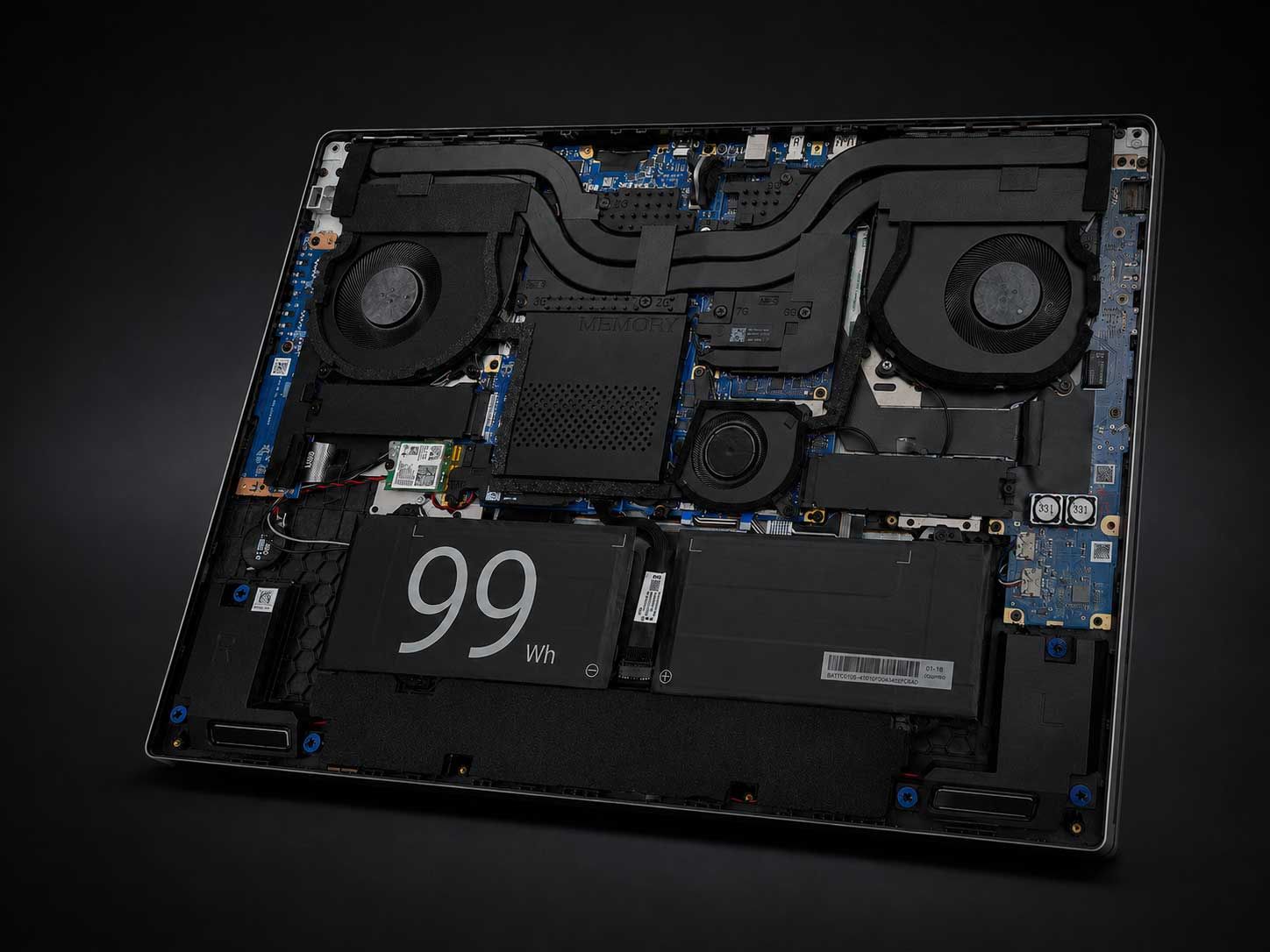
Inside the BlackBook Pro 18: two large thermal fans, a dedicated system fan, a broad heat-pipe arrangement and a 99Wh battery.
Small Details Matter On A Long Working Day.
Performance gets most of the attention when computers are compared.
But a computer you work on every day is also a physical tool.
The keyboard matters. The numeric keypad matters when your work involves numbers. The size of the display changes how much information can remain visible. Connectivity determines what you can attach without constantly adapting the machine around the task.
On the Pro 18 that means a full-size keyboard with a numeric keypad and 19mm key pitch; USB-A and USB-C, HDMI, Mini DisplayPort and wired 2.5GbE networking; and dual M.2 storage positions with user-configurable DDR5 memory for larger projects and changing requirements.
None of those things makes a dramatic benchmark chart. They simply make the computer better to work on.
That is part of the reason the Pro 18 is large. The working environment was allowed to determine the machine — rather than forcing the working environment into the smallest chassis possible.
Who Should Actually Consider The Pro 18?
The Pro 18 makes sense when the computer itself is a major part of how you produce your work. That might mean:
CAD, architecture and engineering.
Large models, drawings, tool palettes and multiple project views benefit directly from more physical working area and sustained processing capability.
Video, visual and production work.
Timelines, previews, asset browsers and editing controls compete for screen space surprisingly quickly.
Software development.
Code, terminals, documentation, virtual machines and test environments are easier to manage when more of the environment can remain visible.
Data, modelling and analysis.
Large datasets, spreadsheets, dashboards and multiple analytical tools benefit from both working area and sustained compute performance.
Monitoring and multi-window workflows.
Some jobs simply require several sources of information to remain visible simultaneously.
The common factor is not the industry. It is the workload.
If the computer is replacing a substantial desktop workstation rather than simply accompanying one, the Pro 18 begins to make sense.
Who Should Buy Something Else?
This is just as important. The Pro 18 is not automatically the best BlackBook because it is the largest.
If you spend your day moving between meetings, travelling light or working from compact spaces, choose the S-Pro 14. At approximately 1.4kg, it gives you serious performance in a much smaller machine and is the better choice when mobility means carrying the computer constantly.
If you want more everyday screen space, a numeric keypad and a larger working environment without moving into an 18-inch workstation class machine, choose the S-Pro 15: a 15.3-inch, 16:10 display and numeric keypad at approximately 1.6kg. For many people, that is the sweet spot.
And if most of your work happens at one desk with large external monitors, a smaller BlackBook connected to those displays may be more sensible than carrying an 18-inch machine.
Choose the Pro 18 when the larger display, dedicated graphics and sustained high-performance capability solve a problem you actually have.
The right BlackBook is the one that fits the work. Not the one with the largest number in its name.
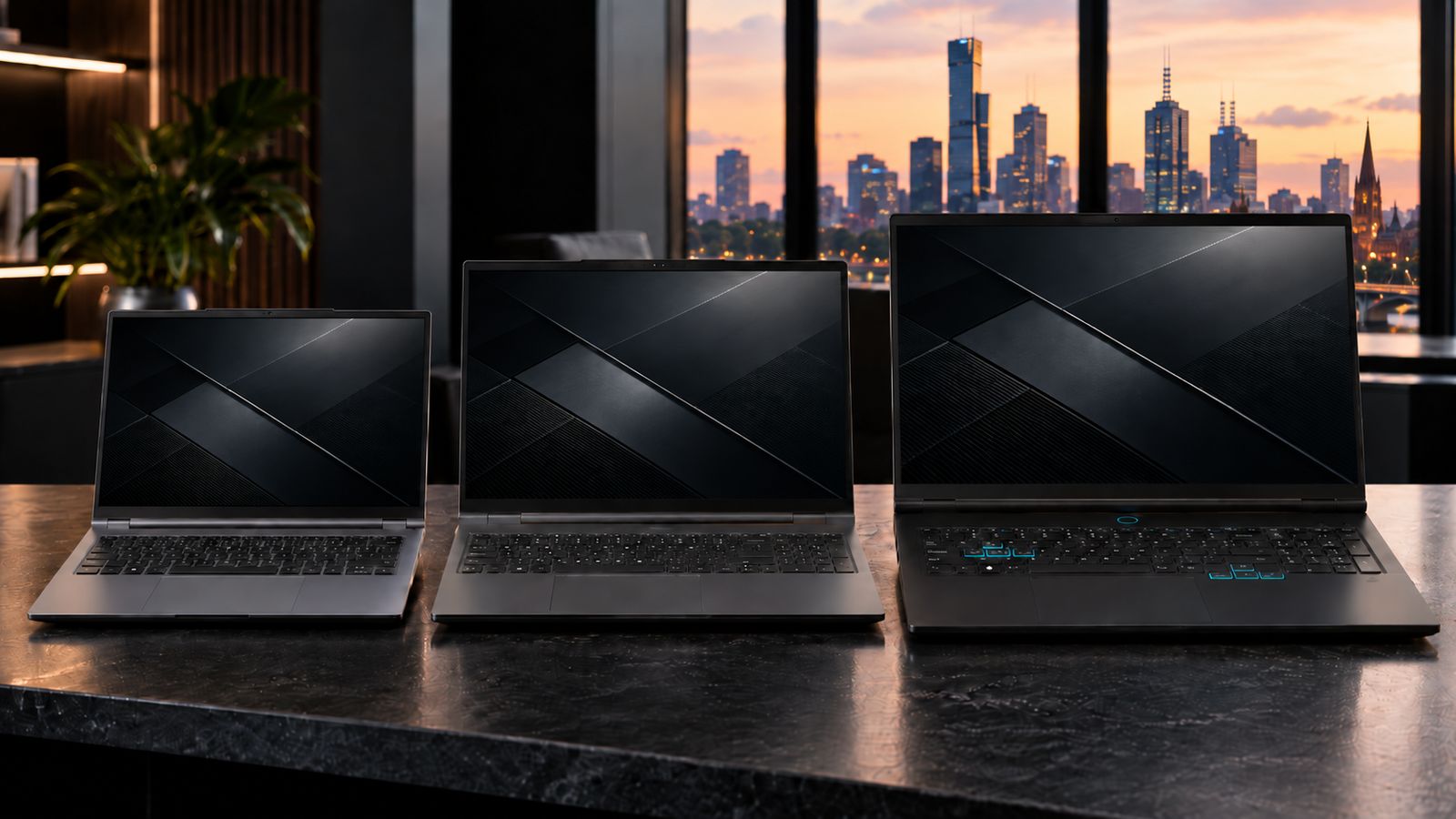
Left to right: BlackBook S-Pro 14, S-Pro 15 and Pro 18.
Three Questions Before You Choose.
Before choosing the Pro 18, ask yourself three things.
1
Do I regularly need more information visible at once?
If your day is spent constantly rearranging windows, hiding panels or wishing you had your external displays with you, the larger working area may genuinely change how you work.
2
Does my workload stay demanding for long periods?
Short bursts of performance are easy. Sustained workloads place very different demands on a computer’s cooling and power systems. If your applications regularly render, compile, model, analyse or process for extended periods, the architecture around the processor matters.
3
Am I carrying a laptop — or moving a workstation?
If you want something to carry everywhere with minimum effort, choose smaller. If you need to relocate a substantial working environment between places, the equation changes. That distinction is the reason the Pro 18 exists. The Pro 18 has a 99Wh battery, but its highest-power workloads are best planned around mains power.
Not Everyone Needs One.
And we are perfectly comfortable saying that.
A computer designed for everyone usually involves compromises for everyone.
The BlackBook Pro 18 was built for a narrower group of people whose work genuinely benefits from more physical workspace, dedicated graphics and sustained high-performance computing in a machine that can still move with them.
For everyone else, we make other BlackBooks.
Purpose-Built. Not Built For Everyone.